Managing compressed files on a mobile device is not always easy. Many archive apps fill the screen with advertisements, ask users to buy premium plans, or request unnecessary permissions just to extract a simple ZIP or RAR file.
Because of this, finding a clean and reliable archive manager can be difficult. However, ZArchiver and its support version, ZArchiver Pro (Donate), continue to be trusted by millions of Android users. The app offers broad archive format support, fast performance, deep file system access, and strong privacy protection. Most importantly, it works completely offline and does not interrupt users with advertisements.
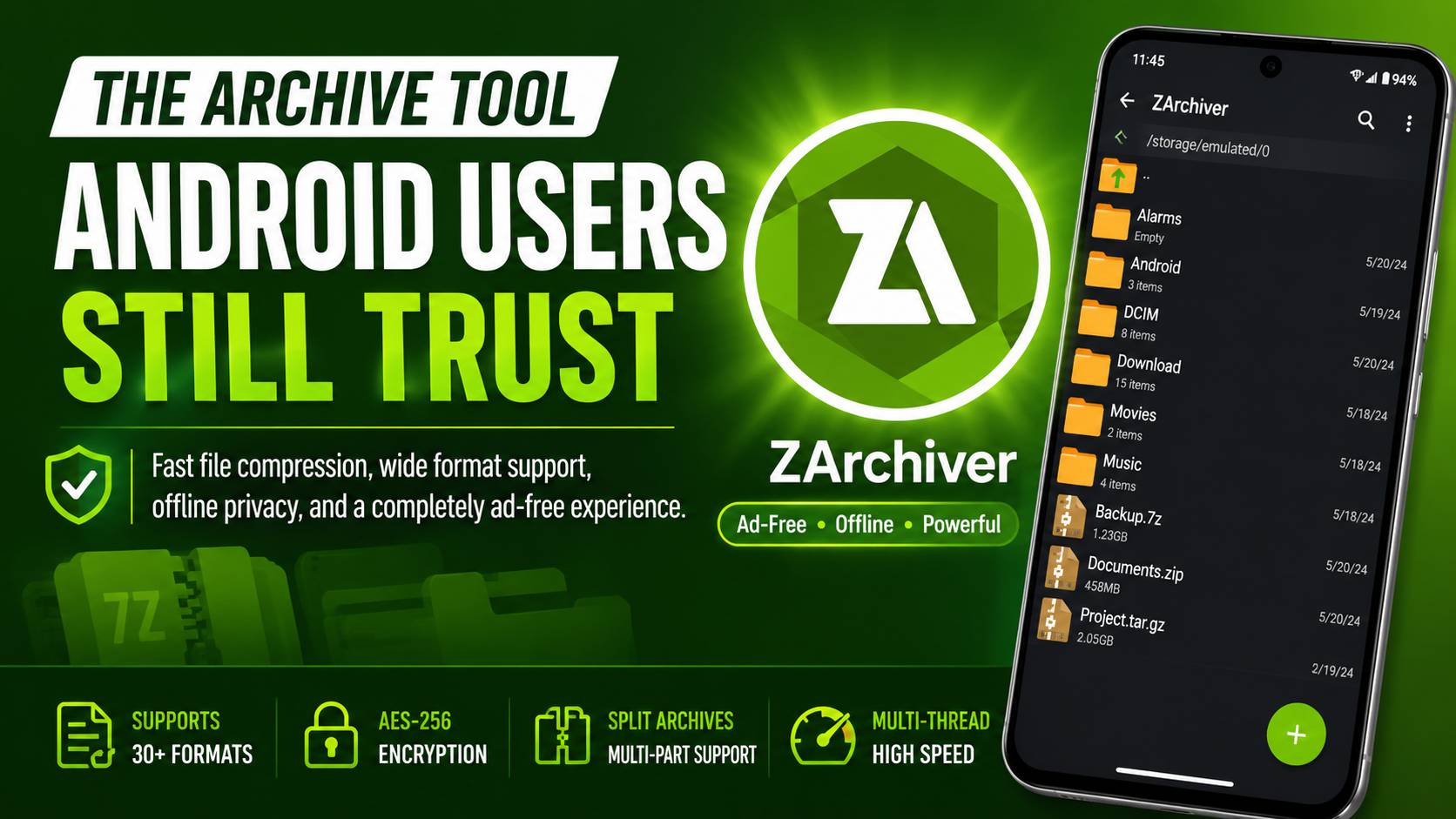
Zero Ads and Zero Internet Permissions
A Strong Focus on Privacy
One of the biggest reasons people continue to use ZArchiver is its simple and privacy-friendly design.
Many utility apps make money by collecting usage information or displaying video advertisements before basic actions can be completed. In contrast, ZArchiver works completely offline. It focuses only on archive management and file handling.
No Internet Permission
If the application’s permissions are checked in Android settings, users will notice that ZArchiver does not request the Android Internet permission (android.permission.INTERNET).
Since the app does not have network access, it cannot send files to remote servers, track file activity, collect online usage data, or download advertising content. Everything stays on the device.
This creates an additional layer of privacy that many modern utility applications do not provide.
Completely Ad-Free Interface
The entire application window is dedicated to file management.
There are no banner advertisements, no full-screen pop-ups, and no unexpected redirects. Users can browse folders, create archives, and extract files without distractions.
This clean interface is one of the main reasons many users continue choosing ZArchiver over other archive tools.
Understanding the Pro Version
Many people assume that ZArchiver Pro unlocks important features. In reality, the standard version already includes the main archive functions.
The Pro version mainly exists as a donation option that supports the independent developer, ZDevs. It also includes a few extra appearance options, such as additional theme customization.
The core archive features remain available to everyone.
Wide Archive Format Support
ZArchiver does much more than simple ZIP extraction.
Many built-in Android file managers can only handle a limited number of archive formats. ZArchiver supports a much larger list of compression and extraction formats, making it useful for both everyday users and advanced users.
Archive Creation
ZArchiver can create archives in the following formats:
- 7z (7-Zip)
- ZIP
- BZIP2 (BZ2)
- GZIP (GZ)
- XZ
- LZ4
- TAR
- ZST (Zstandard)
Archive Extraction
The application can extract many different archive types, including:
- 7z
- ZIP
- RAR
- RAR5
- BZIP2
- GZIP
- XZ
- ISO
- TAR
- ARJ
- CAB
- LZH
- LHA
- LZMA
- DEB
- RPM
- WIM
- ECM
- ZSTD
- DMG
- IMG (FAT and NTFS)
This wide format support helps users work with files from Windows, Linux, Android, and many other systems.
Direct Archive Editing
Another useful feature is direct archive editing.
Users can add files to an archive or remove files from an archive without fully extracting everything first.
This works with formats such as:
- ZIP
- 7z
- TAR
- APK
- MTZ
As a result, file management becomes faster and requires less storage space.
Multi-Core Compression Performance
Modern smartphones often contain multiple CPU cores.
ZArchiver can use these cores during compression and extraction tasks. Instead of relying on a single processor thread, the app spreads work across multiple threads.
This reduces processing time when handling large archives and improves overall efficiency.
Advanced Features for Power Users
Built-in archive tools usually provide only basic extraction functions. ZArchiver goes much further by offering several advanced features commonly found in desktop applications.
Multi-Part Archive Support
Large files often need to be divided into smaller pieces before sharing.
Many cloud services, websites, and messaging platforms have file size limits. To solve this problem, ZArchiver can create split archives.
For example, a large archive can be divided into:
- .7z.001
- .7z.002
- .7z.003
When all archive parts remain inside the same folder, ZArchiver can automatically rebuild and extract them in the correct order.
This feature is especially useful for large game files, backup packages, and software collections.
AES-256 Encryption
Data security is important when sensitive files are stored inside archives.
ZArchiver supports AES-256 encryption, which is one of the most trusted encryption standards available today.
Users can create password-protected archives to prevent unauthorized access.
Since the application operates offline and does not depend on cloud services, encrypted files remain stored locally on the device. Access requires the correct password.
Solving Common Android Storage Problems
Android security policies continue to become stricter with each major version.
Because of these restrictions, users may occasionally face access problems when working with protected folders.
Fortunately, most issues can be resolved through a few simple steps.
Fixing Android/Data and Android/OBB Access Problems
Modern Android versions restrict direct access to the Android/data and Android/obb directories.
If ZArchiver displays an “Access Denied” message, follow these steps:
- Open ZArchiver.
- Navigate to Internal Storage.
- Open the Android folder.
- Select either the data folder or the obb folder.
- When the Android permission window appears, tap OK.
- The system file picker will open automatically.
- Tap “Use this folder.”
- Confirm by tapping “Allow.”
After permission is granted, ZArchiver can access those directories according to Android’s storage framework rules.
Fixing “Archive is Corrupted” Errors
Sometimes extraction may stop unexpectedly or display a corruption warning.
In many cases, the archive itself is not actually damaged. Other factors can cause the error.
Check the File Hash
Large downloads occasionally become incomplete because of connection interruptions.
Whenever possible, compare the downloaded file’s MD5 or SHA-256 hash with the original hash provided by the source.
If both values match, the file is usually intact.
Make Sure Enough Storage Space Is Available
Extraction requires additional free storage.
For example, extracting a 4 GB archive may require around 8 GB of available space:
- 4 GB for the original archive
- 4 GB for the extracted files
If storage space is low, extraction may fail or stop unexpectedly.
Adjust Thread Settings
Although multithreading usually improves performance, some older devices may experience stability problems.
If extraction repeatedly fails, users can reduce the number of active processing threads.
To change this setting:
- Open ZArchiver.
- Go to Settings.
- Open General Settings.
- Lower the CPU thread count.
This adjustment can improve stability on older hardware and help complete difficult extraction tasks successfully.
Final Thoughts
ZArchiver continues to be one of the most trusted archive managers available for Android. Its clean interface, complete offline operation, broad format support, and strong privacy protections make it useful for both casual users and advanced users.
Unlike many competing archive applications, it does not depend on advertisements, user tracking, or mandatory subscriptions. Instead, it focuses entirely on fast and reliable file management.
Whether the task involves creating archives, extracting compressed files, editing existing packages, handling split volumes, or securing data with AES-256 encryption, ZArchiver provides desktop-level archive functionality directly on a mobile device while remaining lightweight, private, and easy to use.